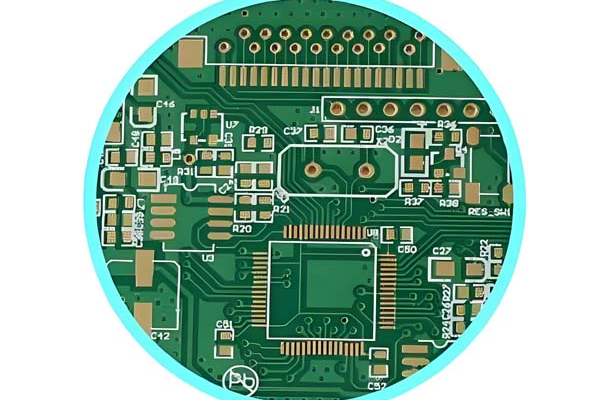
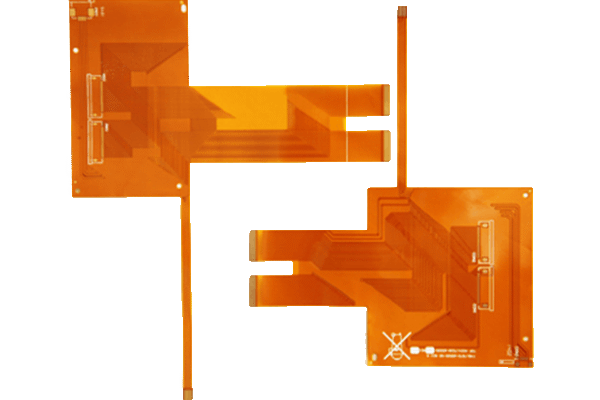
Overheating of PCB (printed circuit board) not only leads to decreased equipment performance and shortened lifespan, but in severe cases, it may also cause safety issues such as burning and fire. The causes of overheating involve multiple aspects such as design, components, and environment, and targeted cooling measures can be taken for different reasons.
Table of Contents
1、 The main cause of PCB overheating
1. The component itself generates excessive heat
-Power device losses: Power semiconductors (such as MOSFETs, IGBTs, power transistors, regulators), RF power amplifiers, LED driver chips, etc. generate a large amount of heat due to conduction losses and switching losses during operation (for example, if the efficiency of a 10W power linear regulator is 50%, 5W of heat will be directly dissipated to the PCB).
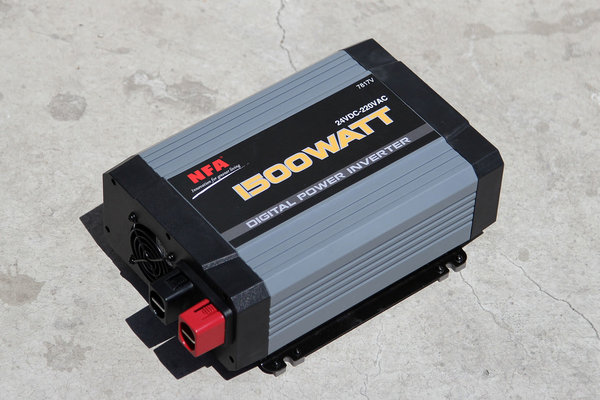
-Component parameter mismatch: For example, insufficient selection of resistor power (actual power consumption exceeds rated power), excessive high-frequency loss of capacitors (high ESR at high frequencies), can lead to abnormal heating of components.
-Component failure: Short circuits (such as capacitor breakdown or diode reverse breakdown) can cause a sudden increase in current and instantly generate high temperatures; Aging of components (such as dried electrolyte in electrolytic capacitors) may also lead to an increase in power consumption.
2. PCB design defects
-Unreasonable heat dissipation path:
-High power components are not close to heat dissipation structures (such as heat sinks, metal casings), and heat cannot be quickly dissipated.

-The grounding plane or power plane area is too small to diffuse heat through a large area of copper skin (copper has a thermal conductivity of about 401W/(m · K) and is an efficient heat dissipation medium).
-The power circuit wiring is too long and too thin, and the wire resistance is too high (R=rho L/S), resulting in an increase in Joule heating (Q=I ^ 2Rt).
-High thermal density: Multiple high heat generating components (such as CPUs and power modules) are densely arranged, and heat accumulates to form a “hot spot”, with local temperatures far exceeding the safety threshold.
-Through hole design issues: Insufficient number of heat dissipation through holes, too small aperture, or ineffective connection with the ground plane, resulting in hindered interlayer heat transfer (for example, the heat dissipation pads at the bottom of power devices are not connected to the underlying copper skin through sufficient through holes).
3. Environmental factors
-Poor heat dissipation environment: The equipment operates in high temperature environments (such as industrial furnaces and outdoor chassis in summer), with ambient temperatures exceeding the allowable range of PCB (usually 0-70 ℃, industrial grade -40-85 ℃).
-Poor ventilation: There is no fan inside the enclosed computer case, the heat dissipation holes are blocked, or the fan failure causes insufficient air convection and heat cannot be discharged.
4. Abnormal power supply and load
-Power supply voltage fluctuation: Excessive input voltage leads to an increase in component power consumption (such as linear regulator P=(V_ {in} – V_ {out}) \ times I2 {out} \), where the higher the input voltage, the more severe the heating).
-Load short circuit or overload: The load current exceeds the design value, causing overheating of wires, fuses, or current limiting components on the PCB.
2、 Methods to reduce PCB heating
1. Optimize component selection and layout
-Select low-power components: for example, replace linear regulators (efficiency 30% -60%) with switching regulators (efficiency 80% -95%) to reduce conversion losses; Choose MOSFETs with low on resistance (Rdson) to reduce switching losses.
-Distributed high heat generating components: Layout power devices, CPUs, etc. in a dispersed manner to avoid heat concentration; High heat generating components should be kept away from thermal sensitive components such as sensors and electrolytic capacitors.
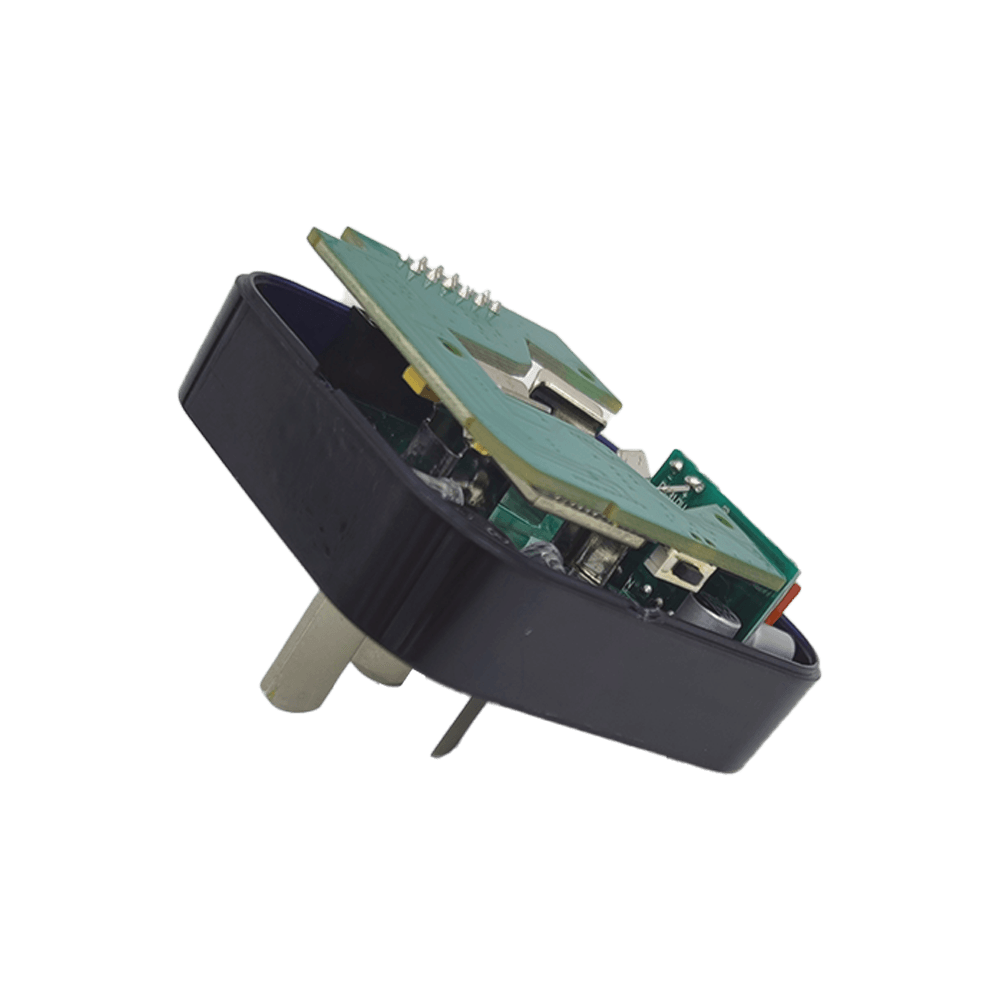
-Power component mounting process: Exposed Pad design is used for high-power devices, which directly contacts the PCB copper skin through the pads to enhance thermal conductivity (for example, the bottom heat dissipation pads of QFN packaged chips need to be connected to a large area of grounded copper skin).
2. Optimization at the PCB design level
-Increase the copper skin area:
-The power layer and ground layer adopt a complete plane (rather than a mesh wiring), utilizing large-area copper foil to diffuse heat.
-High current paths (such as power input lines and motor drive lines) use thick wires (with a line width calculated based on the current, such as 1oz copper foil, 1mm line width can carry about 1A current) or copper-clad areas.
-Add heat dissipation through holes:
-Arrange dense thermal vias around or on the heat dissipation pads of the heating element to conduct heat from the top layer to the bottom or inner grounding plane (recommended via diameter 0.3-0.5mm, spacing 2-3mm, quantity calculated based on component power consumption).
-The inner wall of the via needs to be metalized to ensure electrical and thermal connections between layers.
-Optimize wiring:
-Shorten the length of high current paths and reduce the heat generated by wire resistance.
-Separate the power circuit from the signal circuit to avoid high-frequency currents on the signal line from accumulating on the power line and increasing losses.
3. Increase external heat dissipation structure
-Installing a heat sink: Install aluminum or copper heat sinks on power devices (such as transistors, MOSFETs), CPUs, etc. (choose the heat dissipation area according to power consumption, for example, a 10W device requires a heat sink thermal resistance of<5 ℃/W), and apply thermal grease if necessary to reduce the contact thermal resistance between the device and the heat sink.
-Forced air cooling: Install a fan (axial fan or centrifugal fan) inside a closed chassis to create air convection; The fan position should be aligned with the heating element to ensure that the airflow path covers the “hot spot”.
-Water cooling or heat pipe heat dissipation: For ultra-high power PCBs (such as server motherboards, industrial power supplies), water cooling heat dissipation (by contacting heating elements through water cooling heads) or heat pipes (by rapidly transferring heat through phase change) can be used, suitable for scenarios with thermal density>10W/cm ².
4. Environment and system optimization
-Improve ventilation conditions: The chassis is designed with sufficient heat dissipation holes (top air outlet, bottom air inlet, forming natural convection) to avoid obstruction; Outdoor equipment can be equipped with sunshades to reduce the impact of environmental temperature.
-Power management: using overvoltage and overcurrent protection circuits (such as fuses, TVS tubes, and current limiting chips) to prevent overheating caused by abnormal currents; For scenarios with large voltage fluctuations, use a regulated power supply or DC-DC module to stabilize the input.
-Temperature monitoring and protection: Integrate temperature sensors (such as NTC, LM35) on the PCB, monitor temperature through MCU, and automatically trigger protection mechanisms such as frequency reduction and power outage when the threshold is exceeded (for example, reduce operating frequency when CPU overheats).
3、 Summary
The core solution to PCB overheating is “reducing heat generation”+”accelerating heat dissipation”: the former reduces power consumption through component selection and circuit design, while the latter enhances heat conduction and convection through PCB layout, copper foil design, and external heat dissipation structure. In practical applications, appropriate solutions need to be selected based on device power consumption, space constraints, and costs (for example, consumer electronics focus on PCB design optimization to save costs, while industrial equipment can add heat sinks or fans to ensure stability).
Get your exclusive quote immediately: fill out the form or send an email directly.As a professional PCB manufacturer for hobbyist , we will provide you with a quote service within 24 hours. Enjoy free DFM optimization and a 10% discount on SMT patches for your first order!